We taught the map to filter
A busy search turned our map into a couple of hundred pins. Now it shows one home and what's near it.
When we first put a property map inside PropIQ, the AI chat in PiFi Property, the goal was simple. Save people hours.
House hunting is a lot of tab switching. Listings in one window, a map in another, a note on your phone tracking how far each place is from work and the kids' school. We wanted all of that in one place, answered the moment you ask.
But when I used it on a busy search, I saw the catch. Every home brought its own nearby schools, shops and parks with it, and a search across a few suburbs turned into a couple of hundred pins. One search I tried drew about 236 pins and labels on a single map. It was just noise. We had cut out the tab switching, then handed people a new job: sorting out the map.
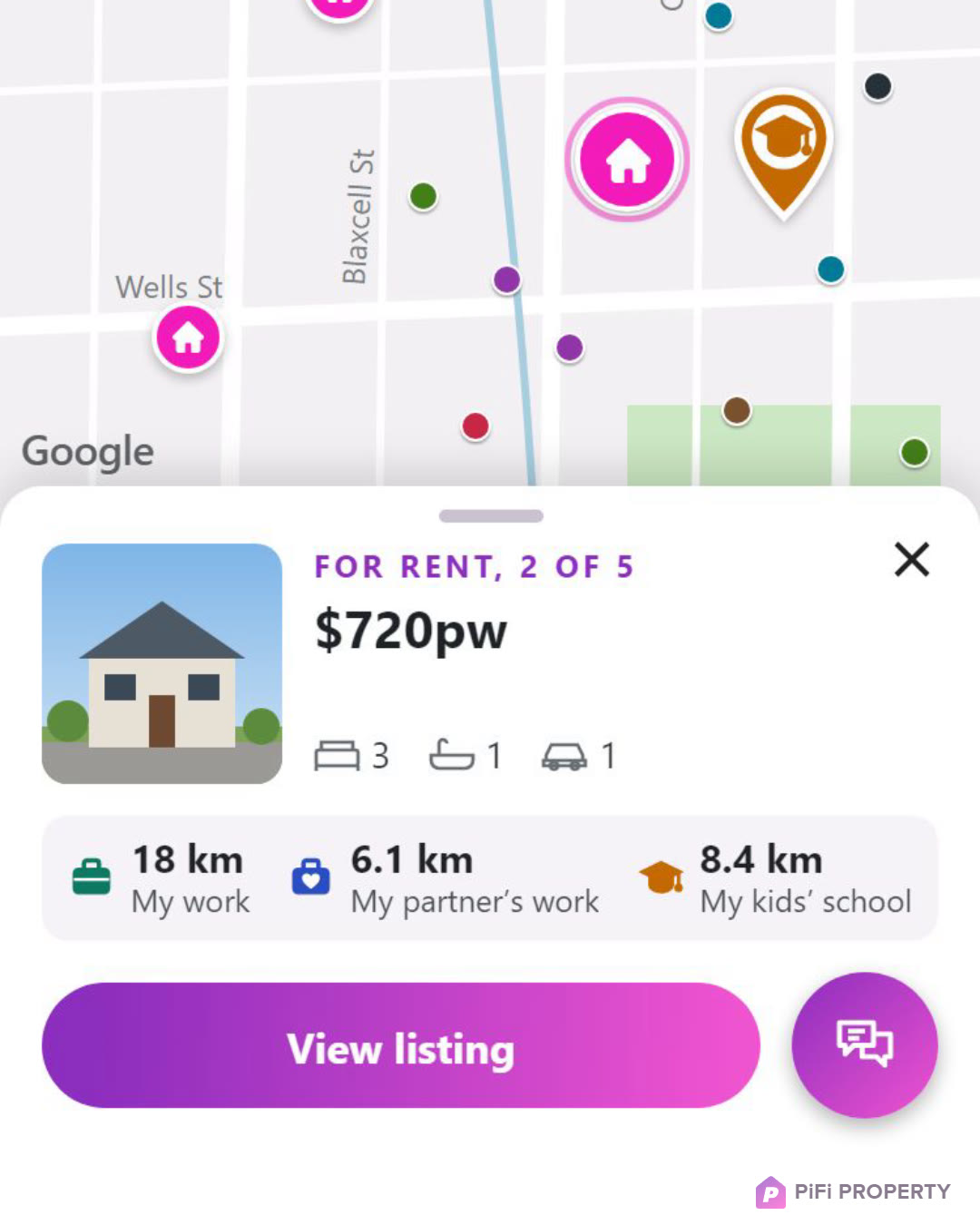
So we went back and taught it to filter.
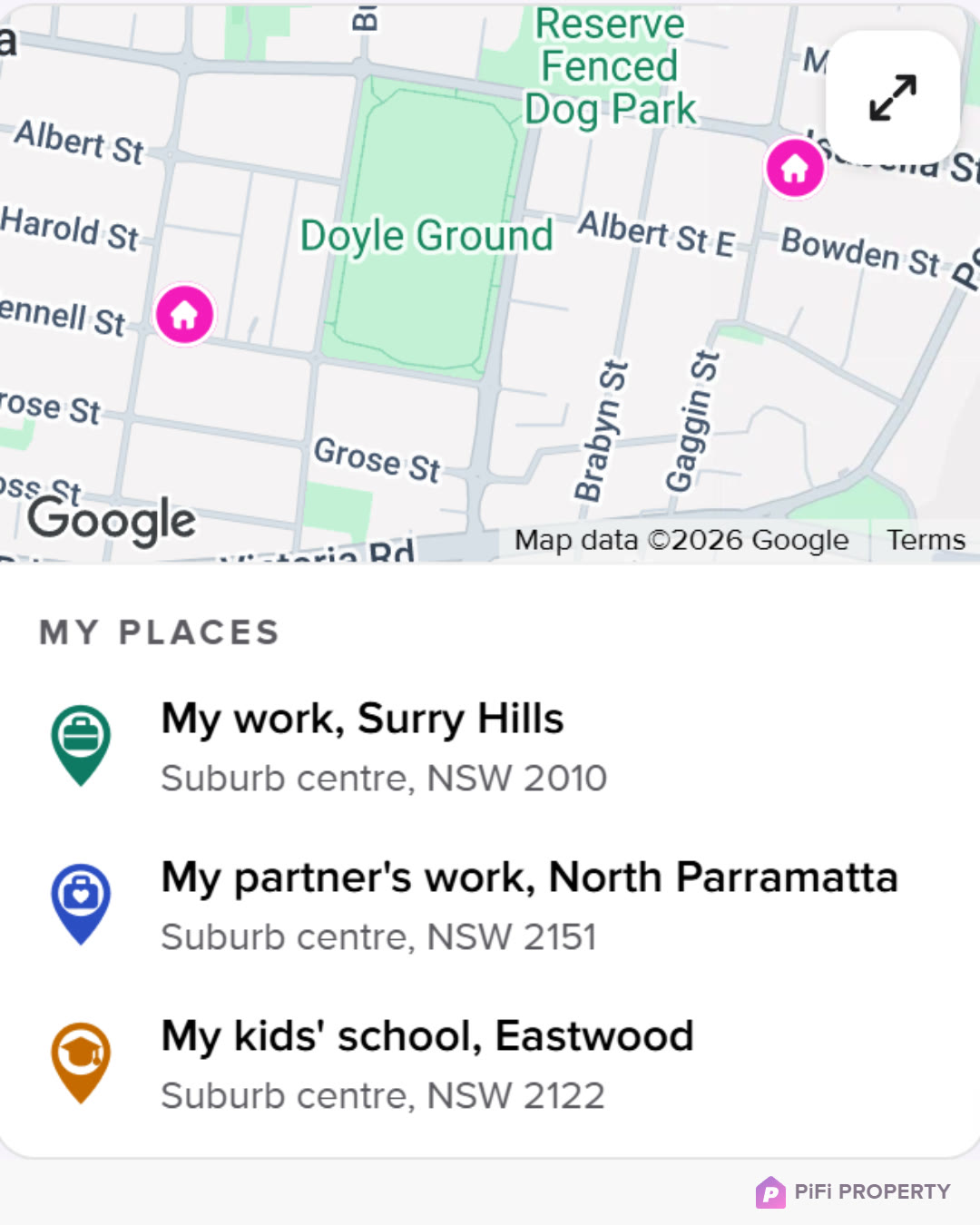
Pick a home and you see that home and what's near it. Move to the next one and the map glides across, so you keep your bearings. Searching a few suburbs? Tap one to focus on it. And the places that matter to you stay put, with the distance on every listing.
So what does the map show now? One home at a time, with the schools, shops and parks near it. Each listing card shows the price, the bedrooms, bathrooms and car spaces, and how far that home is from the places you told PropIQ about, like your work, your partner's work and your kids' school.
This is the new PropIQ map, showing what our AI finds, and it's live now. The video shows it working. Have a play at pifiproperty.com